
The Friction of Disconnected Support
When a paying user runs into a blocker inside your SaaS application, their primary instinct is to find immediate resolution without breaking their workflow. Yet in many SaaS products, clicking "Support" opens an unstyled mailto: link, redirects the user to an unfamiliar third-party URL, or forces them to register a separate password on a detached ticketing forum.
This disconnected experience introduces severe friction:
- Loss of Operational Context: The user must explain who they are, what organization they belong to, which page failed, and what parameters they submitted.
- Broken Brand Immersion: Transporting a customer to a generic portal degrades the premium feel of your software.
- Triage Inefficiency: Support agents waste the first 24 hours of every ticket exchange asking: "Which workspace was this on?" and "What plan are you currently subscribed to?"
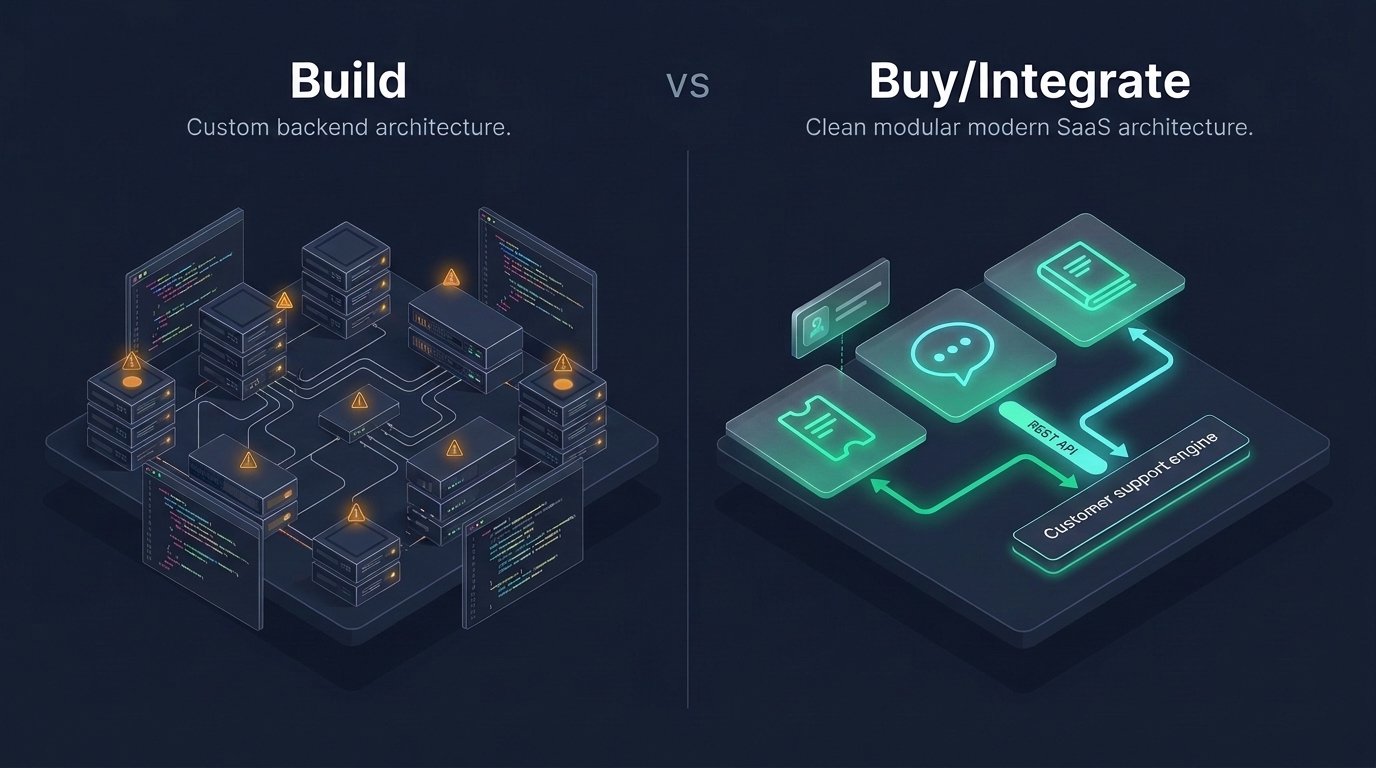
By learning how to integrate customer support into your SaaS product, engineering teams can create a seamless, context-aware experience that delights customers and accelerates resolution times.
Mapping the Modern In-App Support Journey
A well-integrated SaaS support flow feels like a natural extension of the product interface. The ideal customer journey follows five smooth stages:
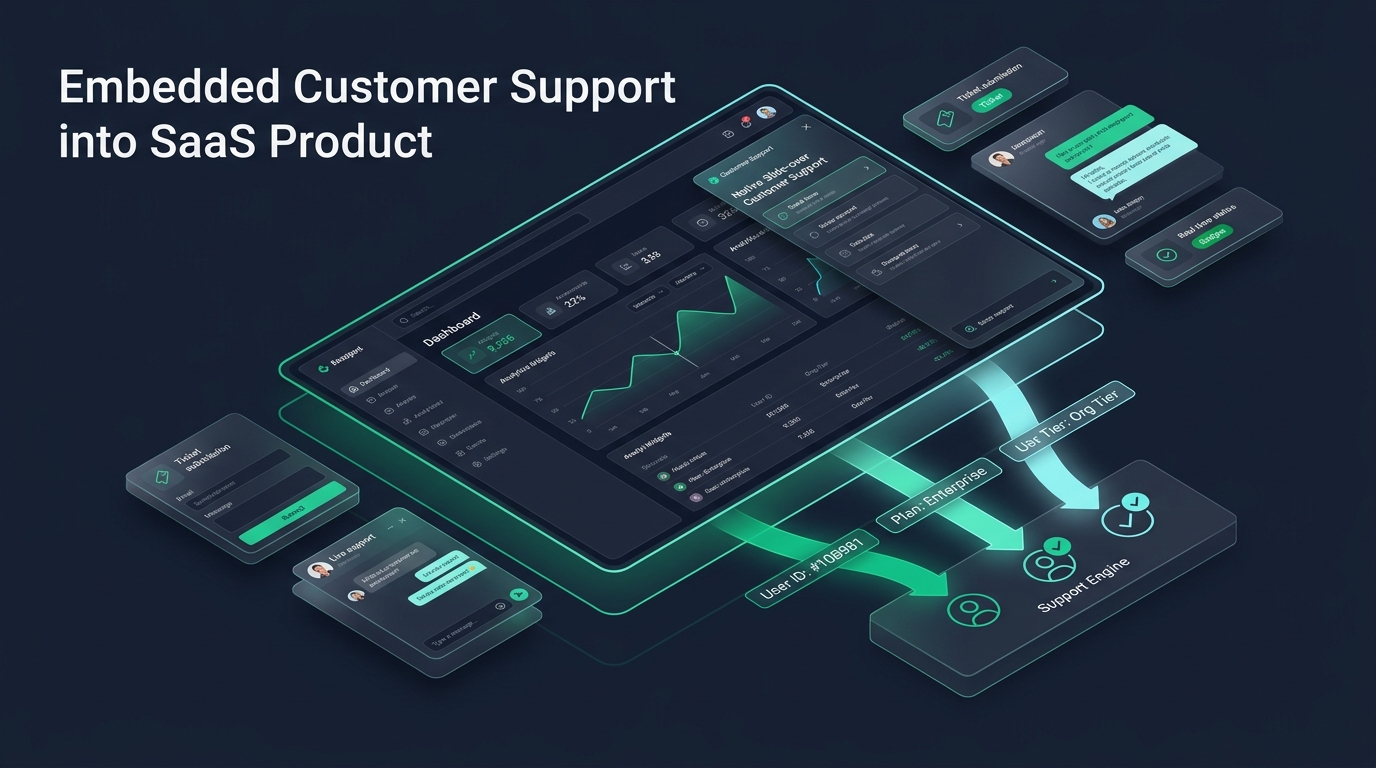
- In-Context Access: The user accesses help via a persistent slide-over drawer or modal inside the authenticated navigation bar.
- Intelligent Self-Service: The drawer surfaces relevant knowledge base articles based on the user's current URL route (e.g., displaying billing documentation when on
/settings/billing). - Context-Enriched Submission: If documentation doesn't resolve the issue, the user submits a ticket or initiates a live chat. The application automatically appends user ID, tenant ID, subscription tier, and error state without user intervention.
- Transparent Status Tracking: The customer can view open ticket progress and agent updates directly within the application.
- Closing the Loop: Resolution notices and satisfaction prompts appear smoothly without spamming the user's inbox with redundant notification chains.
The Three Core Integration Surfaces
Depending on your architecture, you can integrate support through three primary surfaces:
| Integration Surface | Best Used For | Implementation Mechanism |
|---|---|---|
| Backend REST API | Contextual ticket creation, custom contact forms, programmatic incident reporting | Server-to-server calls via HDdesk REST API |
| Embedded Chat Widget | Real-time user conversations, immediate onboarding help, live troubleshooting | Lightweight script bundle with custom CSS variables and event hooks |
| Hosted Branded Portal | Comprehensive knowledge base, public release notes, customer ticket archives | Custom subdomain (e.g., help.yourdomain.com) with automatic SSL |
Identity Mapping: Connecting Users and Organizations
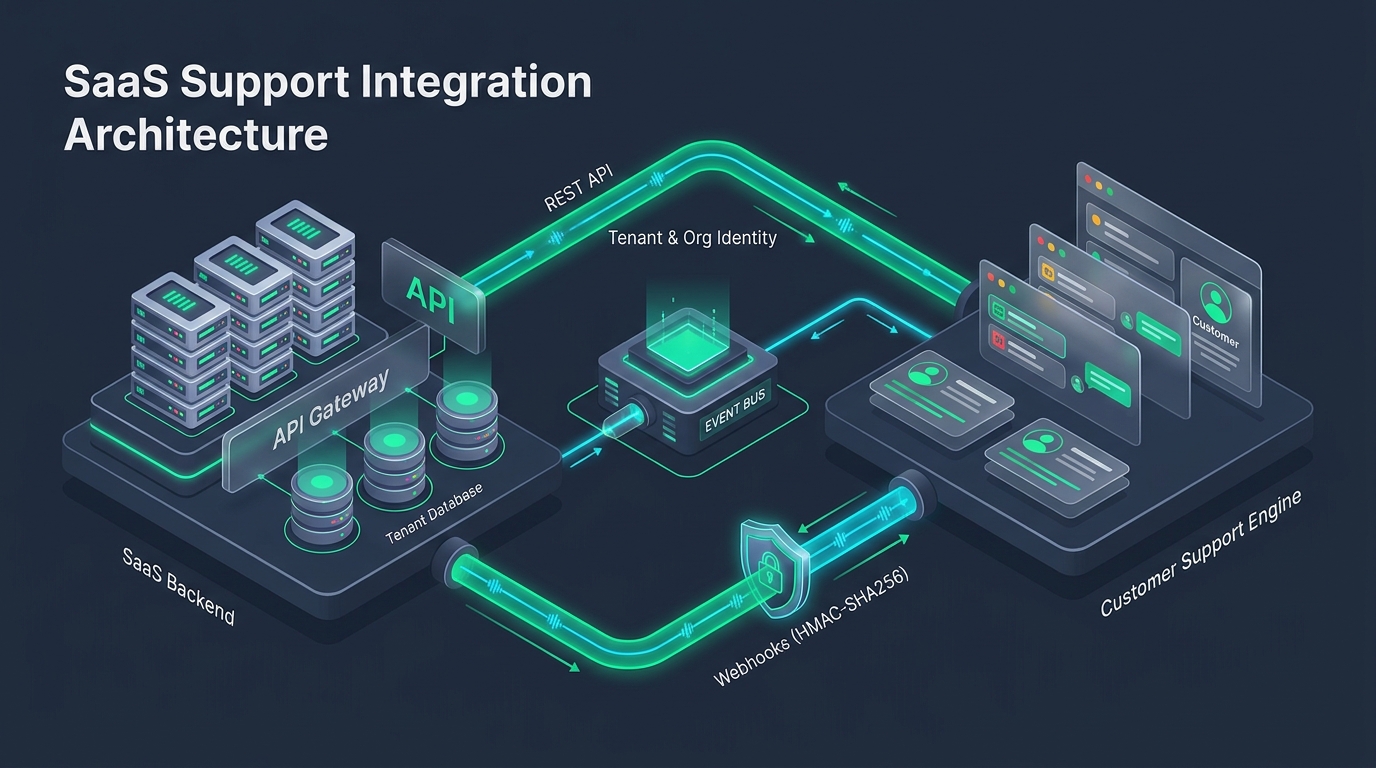
The linchpin of an embedded support integration is identity mapping. Your SaaS database maintains user records (UUIDs, emails, roles) and tenant organizations (workspaces, company accounts). Your support engine must understand this hierarchy so incoming tickets are correctly grouped.
Architecture Best Practice
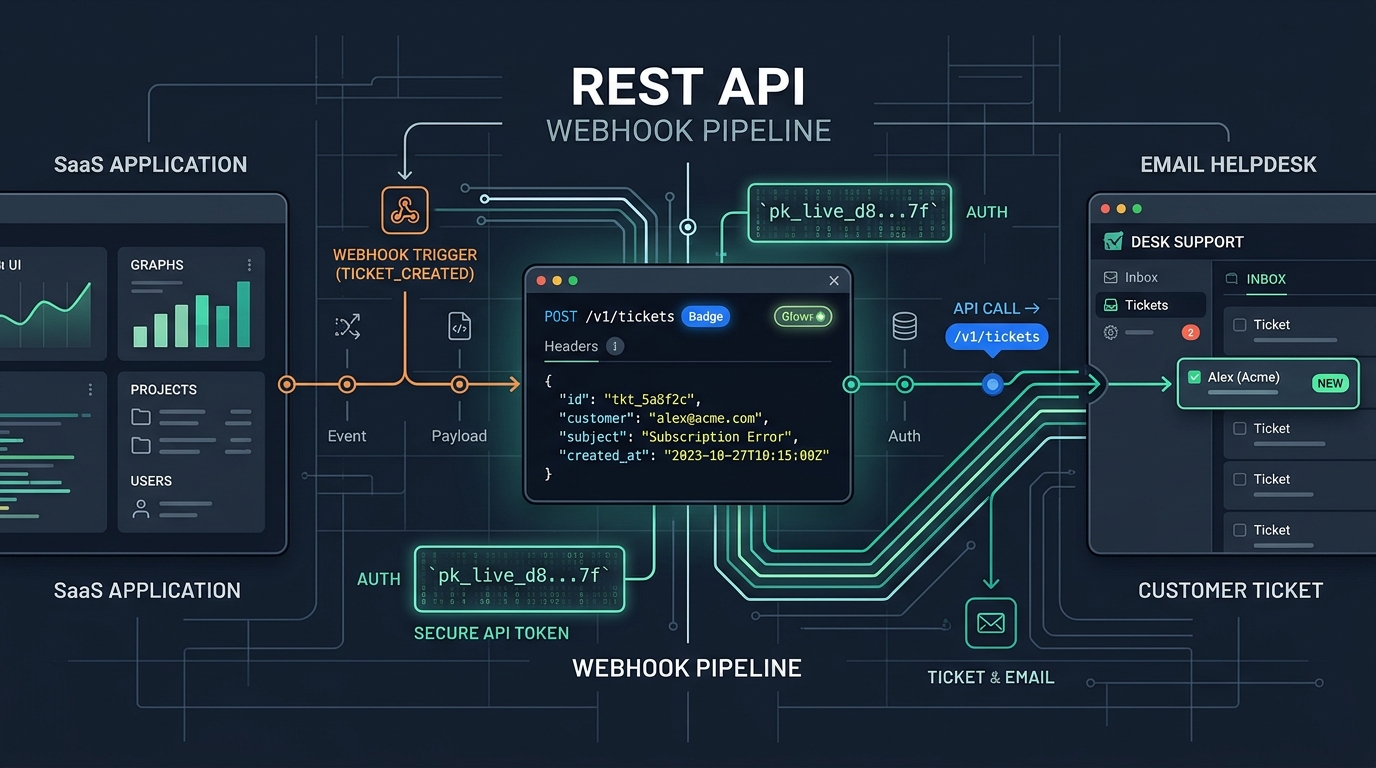
Never rely on client-side state for customer identity. When a user submits an in-app support request, your backend API endpoint should extract the user's identity from their validated server session token before transmitting the ticket payload to the helpdesk.
app.post('/api/support/ticket', requireAuth, async (req, res) => {
  const { subject, message, currentRoute } = req.body;
  const user = req.user; // Authenticated session
  const org = req.organization;

  try {
    const response = await fetch('https://app.hddesk.com/v1/tickets', {
      method: 'POST',
      headers: {
        'Authorization': `Bearer ${process.env.HDDESK_API_KEY}`,
        'Content-Type': 'application/json',
        'Idempotency-Key': `tkt-${user.id}-${Date.now()}`
      },
      body: JSON.stringify({
        subject: subject,
        description_text: message,
        requester: {
          name: `${user.firstName} ${user.lastName}`,
          email: user.email
        },
        tags: [
          `tier-${org.plan}`,
          `org-${org.id}`,
          `route-${currentRoute.replace('/', '')}`
        ]
      })
    });

    const data = await response.json();
    return res.status(201).json({ success: true, ticketId: data.id });
  } catch (err) {
    return res.status(500).json({ error: 'Failed to dispatch ticket' });
  }
});
A Phased Rollout Plan for SaaS Teams
Attempting to integrate every support channel simultaneously can overwhelm your team. A structured, three-phase rollout ensures smooth adoption:
Phase 1: Contextual Ticket Creation (Week 1–2)
Begin by replacing generic email mailto links with an in-app modal form. Route submissions through your backend to the helpdesk API. Ensure automated tags include tenant plan tiers (e.g. tier-pro, tier-enterprise) so your team can prioritize high-value accounts immediately.
Phase 2: Live Chat & Real-Time Triage (Week 3–4)
Embed the HDdesk live chat widget for active dashboard users. Configure operating hours and enable agent-assist AI summaries so your agents receive fast, private ticket abstracts as soon as a conversation begins.
Phase 3: Branded Knowledge Base & Custom Domain (Week 5)
Set up a dedicated help subdomain (help.yourbrand.com) using custom brand colors and logos. Link your in-app tooltips and contextual help triggers directly to these hosted articles.
Key Metrics: Measuring Support Integration Impact
Once your support is embedded natively into your SaaS product, evaluate the operational impact across these key indicators:
- First-Contact Resolution (FCR): Because incoming tickets automatically include session and plan context, agents resolve issues faster without asking diagnostic questions.
- Time to First Response (TTFR): Tag-based routing ensures urgent billing or system alerts route straight to the top of the queue.
- Customer Satisfaction (CSAT): Users appreciate staying inside their workflow rather than wrestling with external ticketing sites.
Explore the full HDdesk features and review our developer documentation to begin integrating native support into your SaaS product today.