
The 'It's Just a CRUD Table' Trap
Every software engineer who has looked at a ticketing system has had the same initial thought: "This is just basic CRUD. A tickets table with a user_id, a status enum, and a foreign key to a messages table. We can write the migration, set up an Express route, and have this running in two days."
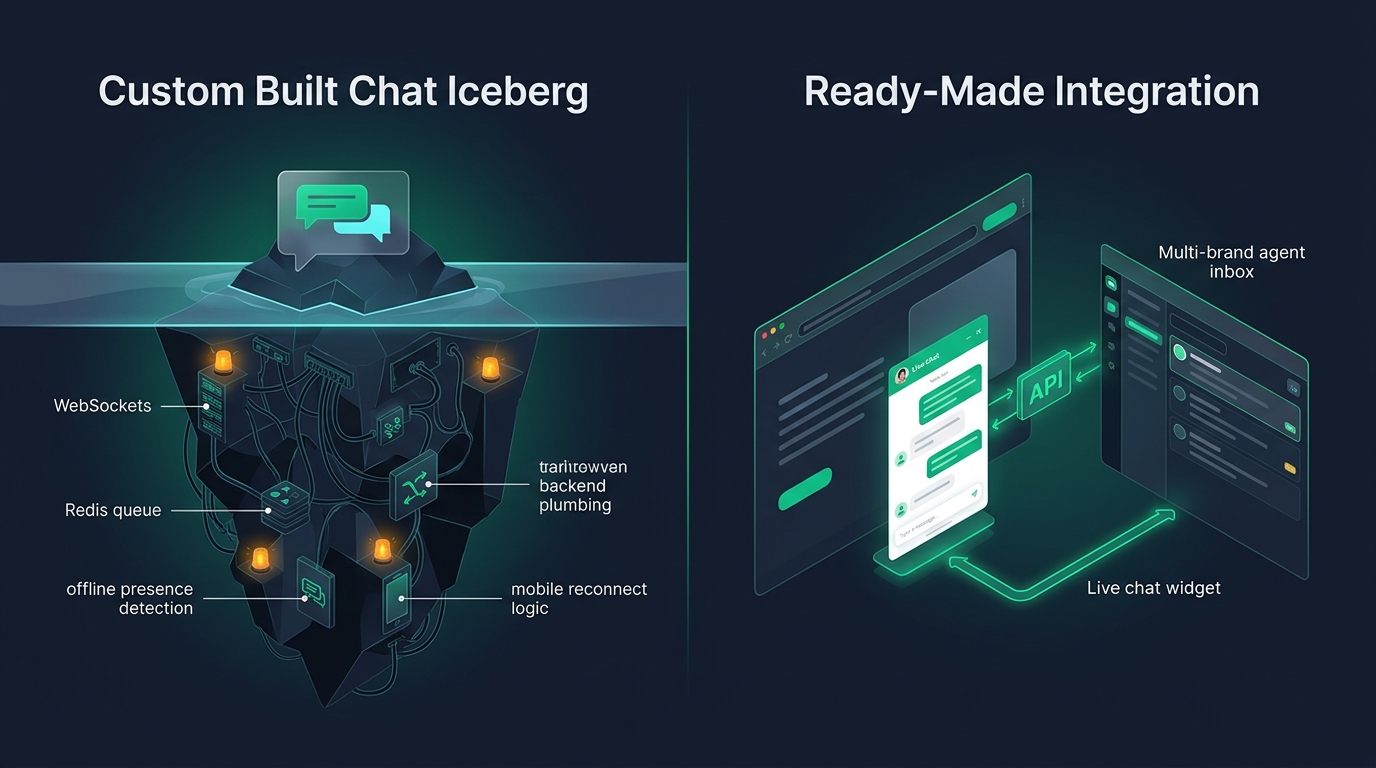
This assumption is one of the most common architectural traps in SaaS development. Creating a record in a database is trivial. But a ticketing platform is not a CRUD application—it is a resilient, distributed communications exchange that must interface with the chaotic, non-standardized world of global email protocols, file attachments, and multi-party conversations.
The Engineering Reality
Within three months of deploying an in-house ticketing database, your team will spend more time debugging malformed email encodings, duplicate ticket races, and attachment storage policies than developing your core SaaS product.
The Dark World of Email MIME Parsing & Threading
If all customer support occurred through clean JSON API requests, building support software would indeed be simple. But customer support runs predominantly on email. Inbound email is messy, unstructured, and unpredictable:
1. Multipart MIME and Encoding Chaos
Emails arrive encoded in quoted-printable, base64, 7bit, or nested multipart MIME envelopes. Some legacy corporate mail servers send Windows-1252 text disguised as UTF-8. An in-house parser will frequently mangle characters, render raw base64 strings directly into the UI, or drop message bodies entirely.
2. The Fragility of Email Threading
How do you know that an incoming email from a customer belongs to Ticket #1042? Email threading depends on parsing Message-ID, In-Reply-To, and References headers in the email envelope. If a customer forwards an email, strips headers, or changes email clients mid-conversation, naive threading algorithms create duplicate tickets or append the reply to the wrong customer conversation.
3. Inline Images and Attachment Security
Customers paste screenshots directly into email bodies or attach large log files. Your mail ingestion pipeline must extract inline attachments (Content-ID references), sanitize SVGs to prevent stored Cross-Site Scripting (XSS), scan files for malware, and store assets in secure cloud storage with pre-signed access URLs.
Agent Coordination: Collision Detection and State Machines
Once messages are successfully stored, the operational challenge begins. When multiple agents, founders, or engineers support customers simultaneously, basic database rows break down:
- Collision Hazards: What happens when two engineers open the same urgent ticket at the same time? Without real-time presence indicators ("Sarah is currently viewing this ticket"), both engineers draft replies, resulting in conflicting, embarrassing answers sent to the customer.
- Complex SLA Timers: Business hours vary by timezone. Calculating whether a ticket breached its first-response SLA requires tracking business schedules, holiday calendars, and status transitions (e.g., pausing SLA clocks when waiting for a customer reply).
- Canned Responses & Templates: Support teams need standardized, keyboard-accessible response templates with dynamic variables (e.g., customer name, order number) to reply quickly and accurately.
Developer Criteria for Evaluating a Helpdesk API
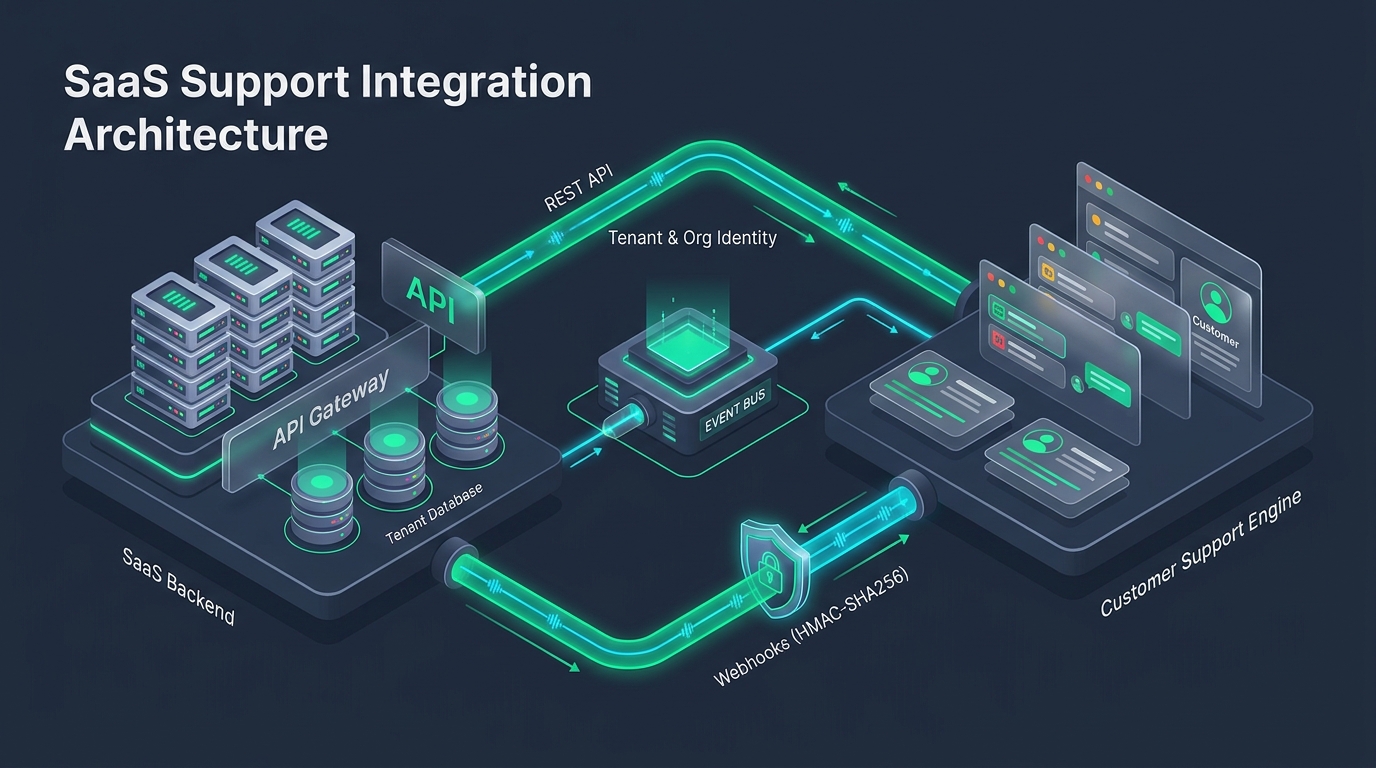
Rather than building these complex subsystems from scratch, forward-thinking SaaS teams integrate a specialized helpdesk via a REST API. When evaluating API options, look for:
| API Requirement | Why It Matters to Developers |
|---|---|
| Idempotent Endpoints | Allows background workers to retry network timeouts safely via Idempotency-Key headers without creating duplicate tickets. |
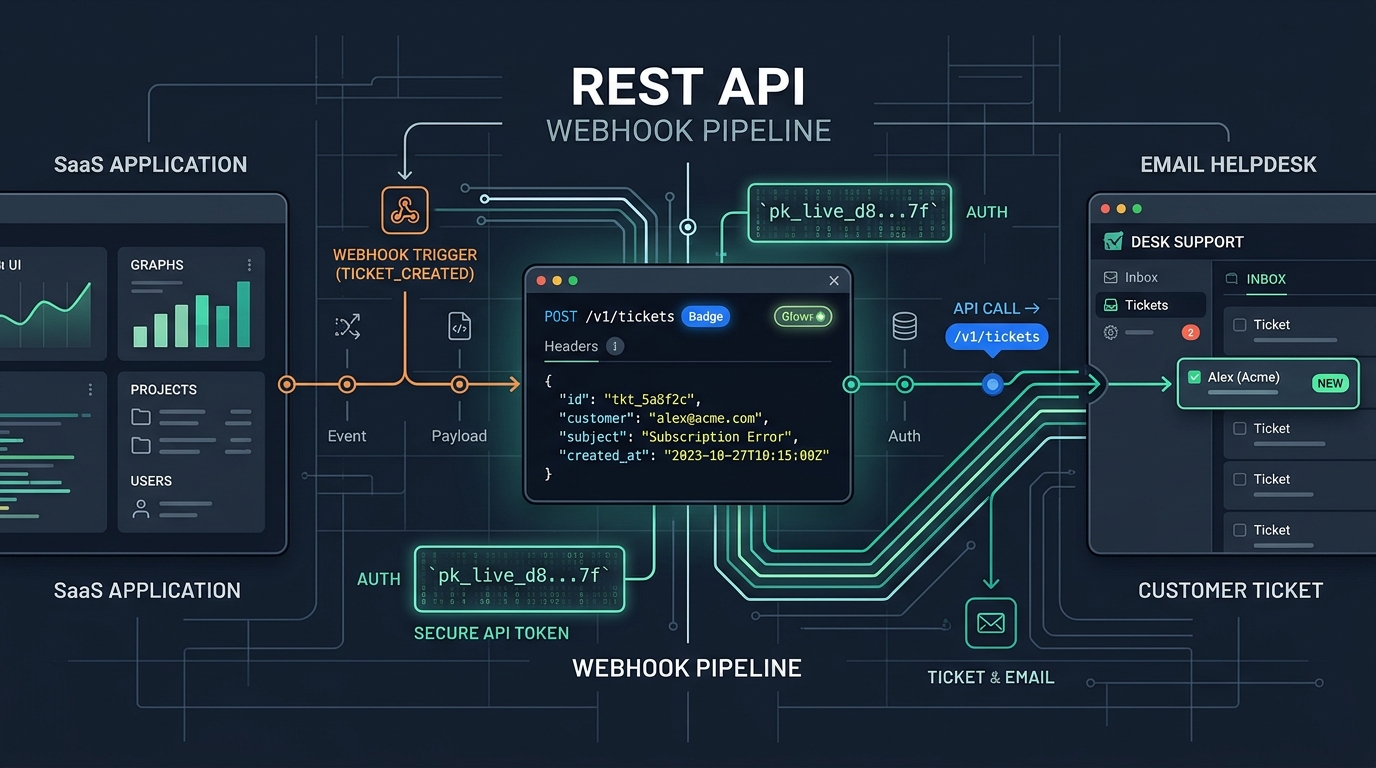
| Signed Webhooks | Enables your backend to listen for status changes (e.g. ticket.resolved) with cryptographic HMAC-SHA256 verification. |
| Multi-Domain Association | Lets you specify a domain_id or inbox parameter so tickets automatically inherit the correct branding, templates, and outbound email address. |
| Predictable JSON Payloads | Standard HTTP status codes, ISO 8601 UTC timestamps, and clean error messages with actionable error codes. |
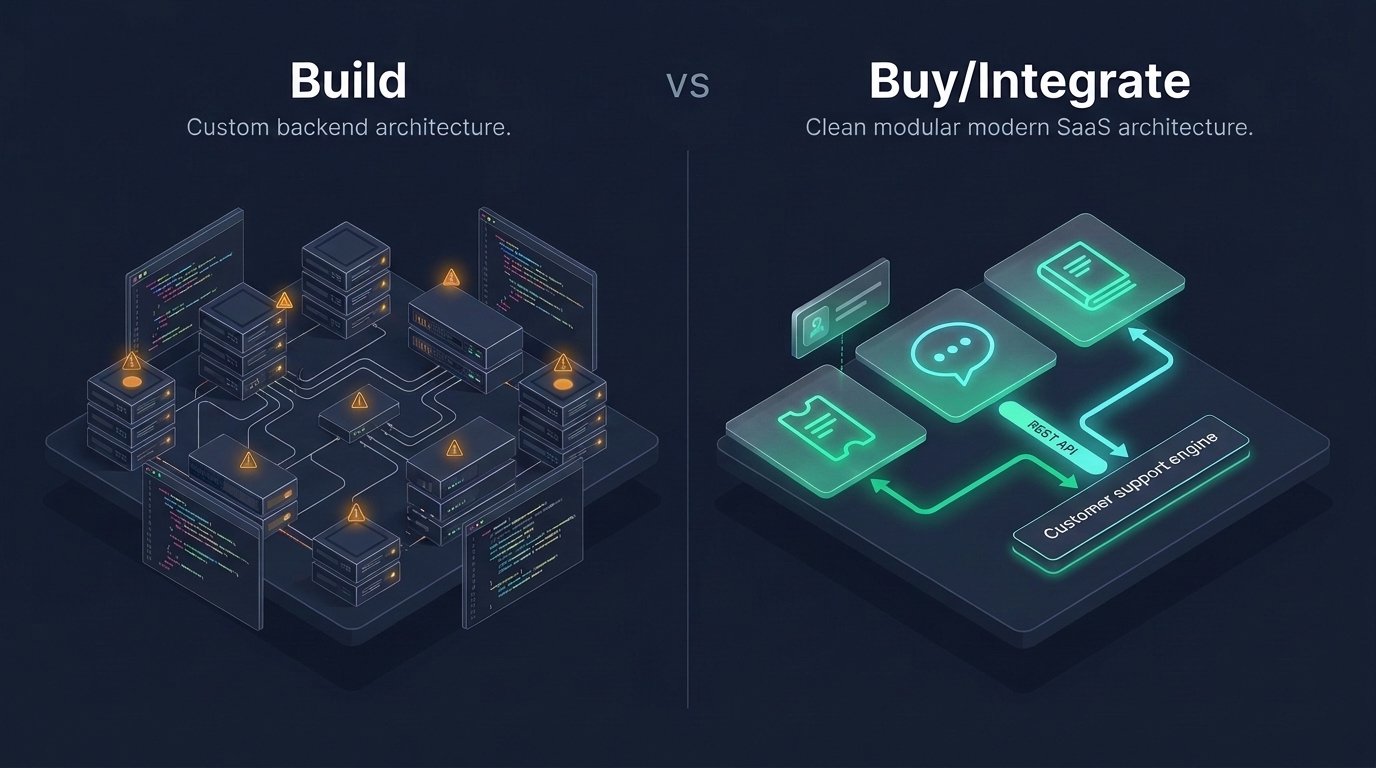
Architectural Comparison: Custom Tables vs. API Layer
Compare the long-term architectural footprint of both approaches:
| Dimension | Custom In-House Ticketing Build | Helpdesk REST API Integration |
|---|---|---|
| Initial Time to Ship | 6 to 12 weeks of backend and UI engineering | 1 to 2 days of server-side API integration |
| Email Mailbox Infrastructure | Must run and maintain mail forwarding servers and MIME parsers | Fully managed; zero email protocol maintenance |
| Agent Console UI | Must build and maintain custom internal dashboards | Polished, feature-complete agent workspace provided out of the box |
| Ongoing Maintenance | Continuous bug fixes, spam filtering, and index tuning | Zero platform maintenance; covered by subscription |
Integrating the HDdesk REST API
With HDdesk, integrating customer support into your software takes only a few lines of code. Your application dispatches tickets to https://app.hddesk.com/v1/tickets, while your support staff triage issues from our ultra-fast, multi-brand console.
Because HDdesk plans include unlimited agent seats, your entire engineering and product team can collaborate on tickets, write internal notes, and monitor customer health without incurring incremental software licensing costs.
Explore our complete developer documentation and review our transparent pricing plans to begin integrating today.