
The Solo Builder Reality: Launching is Fast, Support is Forever
Modern development tools, automated deployment platforms, and AI coding assistants have changed software development economics. A single developer can now conceptualize, build, and deploy three to five distinct SaaS products in the time it used to take a venture-backed team to ship an MVP.
You might have a niche billing calculator for freelancers running on one domain, an SEO analytics micro-app on another, a developer API utility on a third, and a customer feedback widget on a fourth. Each product has its own domain, its own Stripe account or pricing tier, its own landing page, and its own support email (such as support@taskflow.app or help@codesync.io).
Shipping feels exhilarating. But a few weeks after launch, a stubborn reality sets in: code is written once, but support runs every day.
Every active product generates a steady hum of customer interactions:
- Onboarding questions and feature inquiries from trial users evaluating whether to pay.
- Edge-case bug reports with obscure browser logs or unexpected webhook failures.
- Billing questions, invoice download requests, and subscription cancellation notices.
- Critical downtime or outage alerts when a third-party API hiccups.
When you have five products, you don't just have five repositories—you have five independent channels of customer anxiety, expectation, and feedback. If your support infrastructure consists of logging into five different webmail tabs or forwarding everything haphazardly into your personal Gmail, you are on a fast track to burnout.
The Portfolio Rule
The goal of a solo software portfolio is leverage. If operating five products requires five times the administrative overhead of one, you haven't built a portfolio—you've built an operational trap.
The Failure Modes of Fragmented Mailboxes
Most solo builders start with the simplest conceivable setup: they create a separate Google Workspace, Fastmail, or Zoho mailbox for each product domain, or set up basic email forwarding into their personal inbox. Within a month, this informal setup breaks down in predictable ways:
1. Context Switching and Tab Fatigue
Constantly toggling between five browser tabs to see if a customer wrote to help@product-a.com or support@product-b.com fractures your deep work blocks. You sit down to debug a feature on Product A, only to notice an unread email from Product C, pull up its database, lose your train of thought, and accomplish neither task.
2. The Accidental Brand Leak
When you answer an email forwarded to your personal Gmail account, clicking "Reply" frequently defaults to your personal address (alex.builder@gmail.com) or worse, the wrong product domain (sending an email about Product A from Product B's address). This immediately damages customer trust. To paying business customers, it signals amateurism and suggests the product may be abandoned tomorrow.
3. Missed Follow-ups and Collision Hazards
Standard email clients lack ticket statuses. An email marked "read" vanishes into the archive. There is no concept of Open, Pending Customer Response, or Resolved. If you hire a freelance support contractor to help clear backlog over the weekend, you have no collision detection: both of you might draft replies to the same customer simultaneously, sending conflicting answers.
The Desired Model: One Queue, Separate Brand Identities
To scale a portfolio of products as a solo operator, you need an architecture that decouples internal operations from external brand identities:
| Dimension | What Your Customer Experiences | What You Experience (Internal) |
|---|---|---|
| Sender Address | Clean, dedicated address (e.g. support@appname.com) |
Unified triage queue with automatic product domain tagging |
| Email Signature | Branded signature with app logo and product links | Dynamic template insertion based on the incoming mailbox |
| Deliverability | Authentic DKIM/SPF passing via the product domain | Centralized SMTP/forwarding configuration |
| Team Collaboration | Prompt reply from the official support team | Private internal notes and assignment to contractors without seat fees |
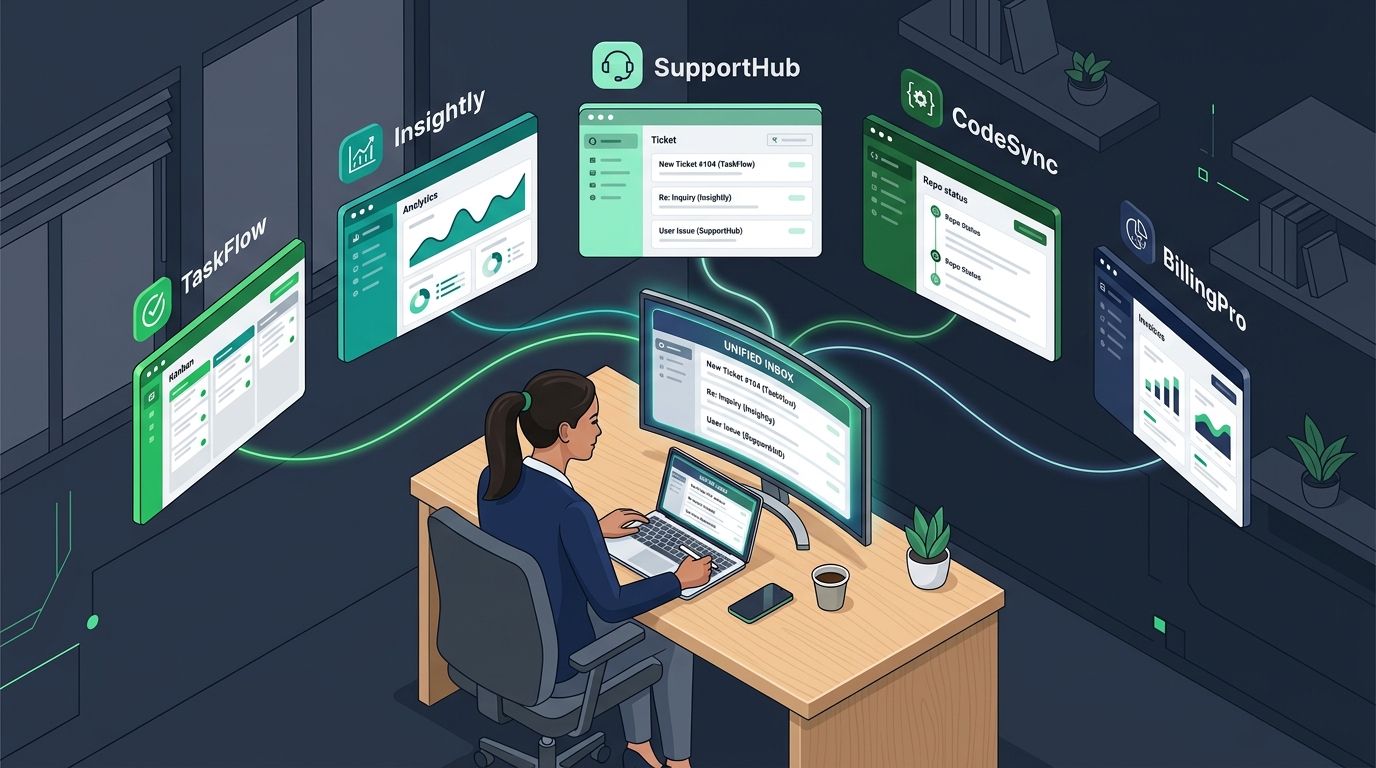
In this model, your customers always see a polished, dedicated product experience. When someone writes to support@appone.com, they receive a reply from support@appone.com with App One's templates and branding. Internally, however, you see all incoming tickets from App One, App Two, and App Three ordered by urgency in a single unified list.
The Practical Solo Founder Support Playbook
Managing support for multiple products doesn't mean sitting in your inbox all day. It requires strict operational boundaries:
1. Batch Support into Two Dedicated Windows
Never leave your support desk open in a pinned tab with audio notifications on. Check and triage support exactly twice a day: once in the morning (e.g., 9:30 AM for 30 minutes) and once late in the afternoon (e.g., 4:30 PM for 30 minutes). Customer expectations for email support are measured in hours, not seconds. Predictable, high-quality responses sent within 3 to 4 hours are far superior to frantic, half-baked replies sent in two minutes while distracted.
2. Build Product-Specific Snippet Libraries
Across any software product, 60% of inbound emails cluster around five predictable themes:
- How do I reset my password or update my team's billing card?
- Does your API support pagination or specific rate limits?
- Can I get an invoice with our corporate VAT/GST number?
- How do I export my data if I cancel?
- Our webhook failed; where can I inspect the delivery payload?
Maintain pre-written, modular reply templates for each product. When a ticket arrives, load the template, customize the customer's specific details in 30 seconds, and send. This ensures consistency and cuts response time by 75%.
3. Tag and Route Automatically
Configure automated rules based on the receiving inbox. Tickets arriving at billing@appone.com should automatically carry a billing tag and a high-priority flag, while general inquiries carry inquiry. When you sit down for your triage block, you can clear urgent billing and downtime alerts first before addressing general questions.
Helpdesk Economics: Why Per-Seat Billing Punishes Portfolio Builders
When solo founders look for helpdesk software, they quickly run into an artificial barrier: per-agent seat licensing.
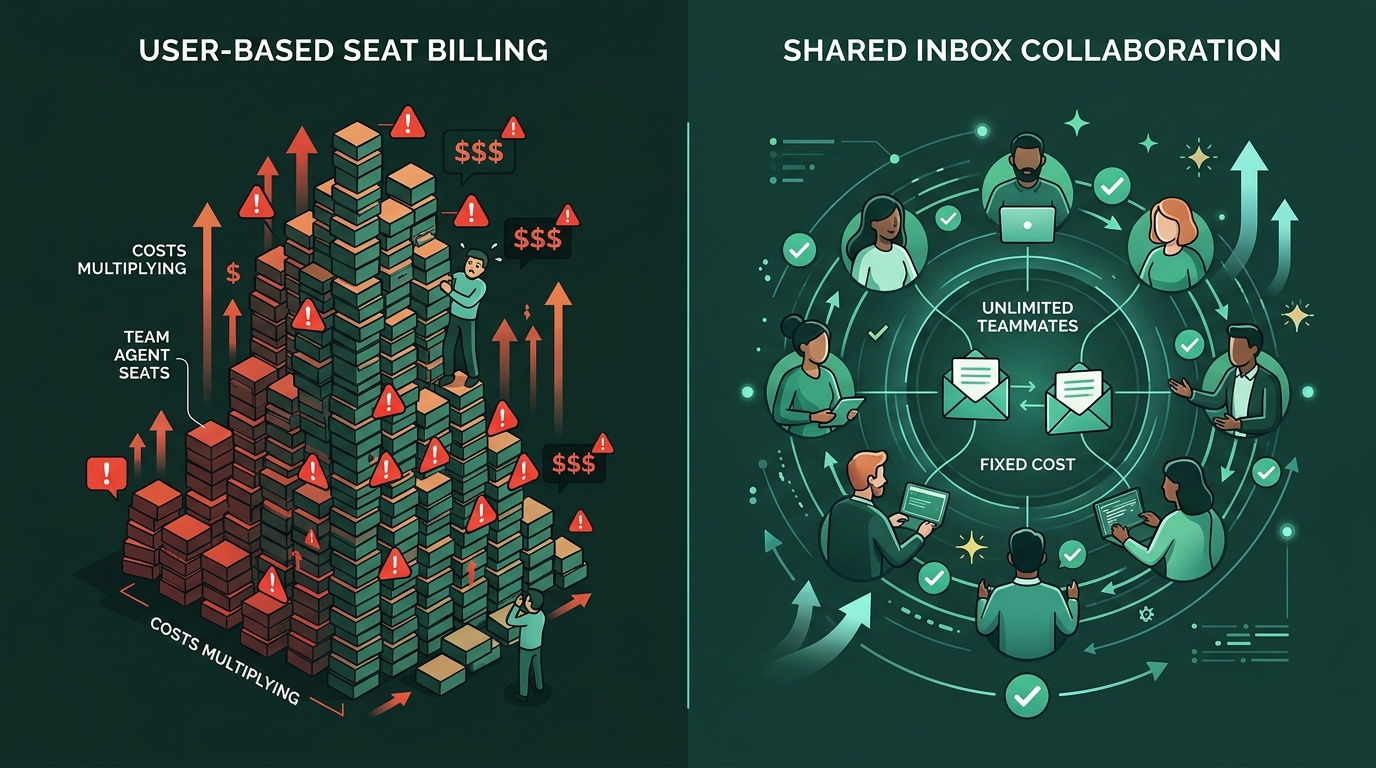
Legacy tools like Zendesk, Freshdesk, and Intercom were architected for traditional corporate support centers. Their pricing model assumes one company running one product with twenty full-time agents, charging $25 to $99 per agent per month.
For a solo founder running five products, this pricing model is completely inverted:
- You don't have 20 agents; you have 1 person (yourself) plus perhaps an occasional part-time contractor or technical co-founder.
- You don't have 1 inbox; you have 5 or 6 inboxes (one for each product plus a shared administrative inbox).
- Legacy tools force you onto expensive "Enterprise" tiers simply to connect multiple email domains or add secondary inboxes.
If you bring on a freelance developer for 5 hours a week to help with tier-2 technical tickets, legacy helpdesks demand another full monthly subscription. Founders frequently resort to dangerous workarounds like sharing single logins, defeating audit logs and risking security lockouts.
This is why an inbox-based pricing model is critical for solo builders. With a platform like HDdesk, you pay for the number of connected support inboxes (for example, $9/month for 3 inboxes or $25/month for 10 inboxes on published plans) with unlimited team members. You can invite your co-founder, a freelance support specialist, and your contract developer at zero additional seat cost.
Run your multi-product support from one calm desk
HDdesk lets you connect all your SaaS product inboxes into one shared queue, send branded replies from each domain, and collaborate with unlimited teammates. Plans start at $9/mo.
Setting Up Your Multi-Product Support Hub
Ready to untangle your portfolio's customer communication? Here is the checklist to execute today:
- Audit your inboxes: List every email address your users write to across all your domains.
- Verify DNS authentication: Ensure each domain has valid SPF, DKIM, and DMARC records configured so outbound replies never land in spam.
- Connect to a centralized desk: Hook your Google Workspace, Microsoft 365, or forwarded inboxes into a shared helpdesk like HDdesk.
- Define brand assets: Upload the correct logo, brand color, and email signature template for each domain.
- Draft core macros: Write your top five canned replies for each product.
- Protect your calendar: Turn off noisy desktop notifications and stick to your morning and evening triage windows.
Customer support doesn't have to be a frantic chore that drains your creative energy. With the right multi-inbox workflow, you can provide attentive, professional support across five products as a solo founder—while spending the vast majority of your day doing what you love: building software.