
Why Growing Teams Migrate Away from Freshdesk
Freshdesk has long been a popular entry-level helpdesk, but as software companies and multi-brand businesses scale, they frequently hit three major structural walls:
- Escalating Per-Agent Costs: Freshdesk bills per agent seat. As your company grows and you want developers, co-founders, and contractors to assist with tickets, the recurring software bill balloons rapidly.
- Feature Gating on Multi-Brand Capabilities: Connecting multiple email domains, setting up custom brand signatures, and managing multi-product queues is often locked behind high-tier "Enterprise" plans.
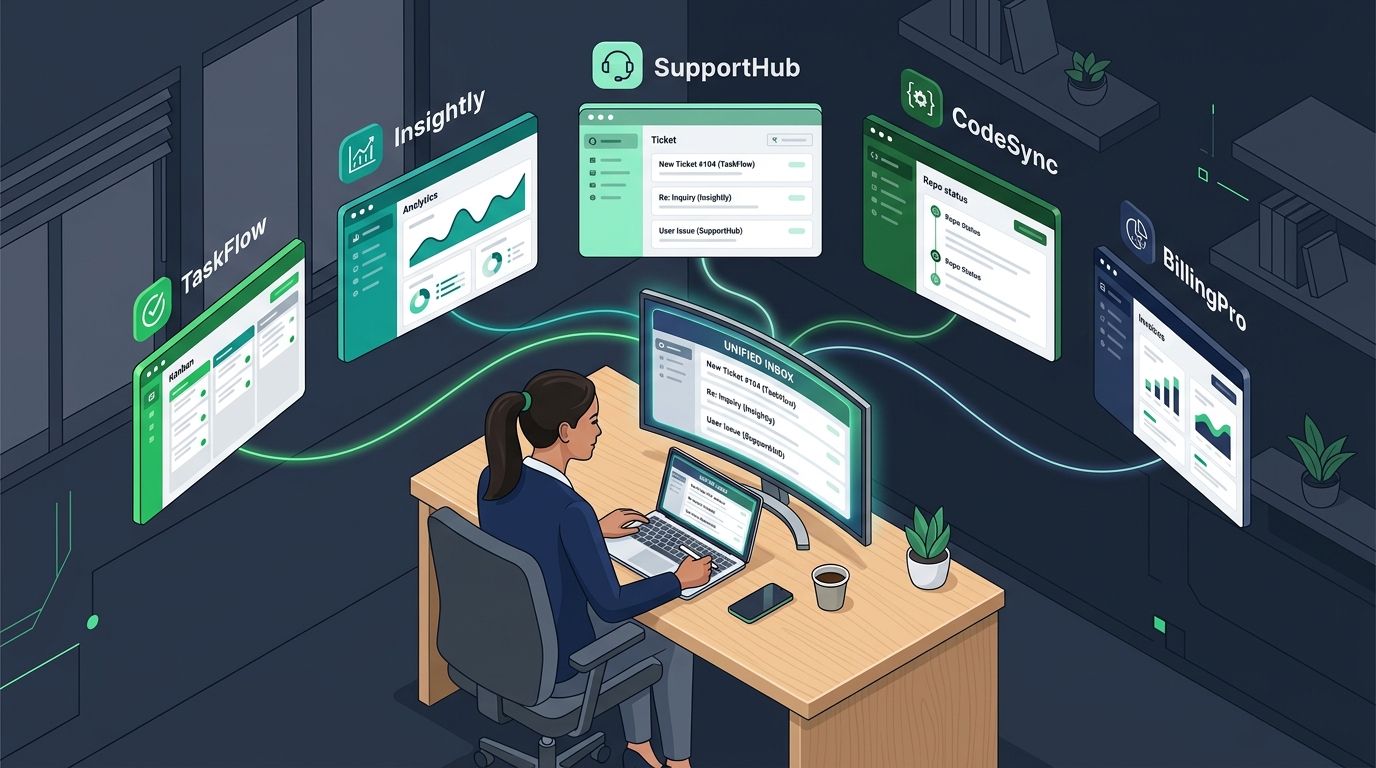
- Cluttered Multichannel Bloat: Over time, Freshdesk has added phone dialers, social media bots, customer portals, and chatbot builders. For teams that primarily want a fast, focused, and reliable email helpdesk, the UI feels slow and needlessly complex.
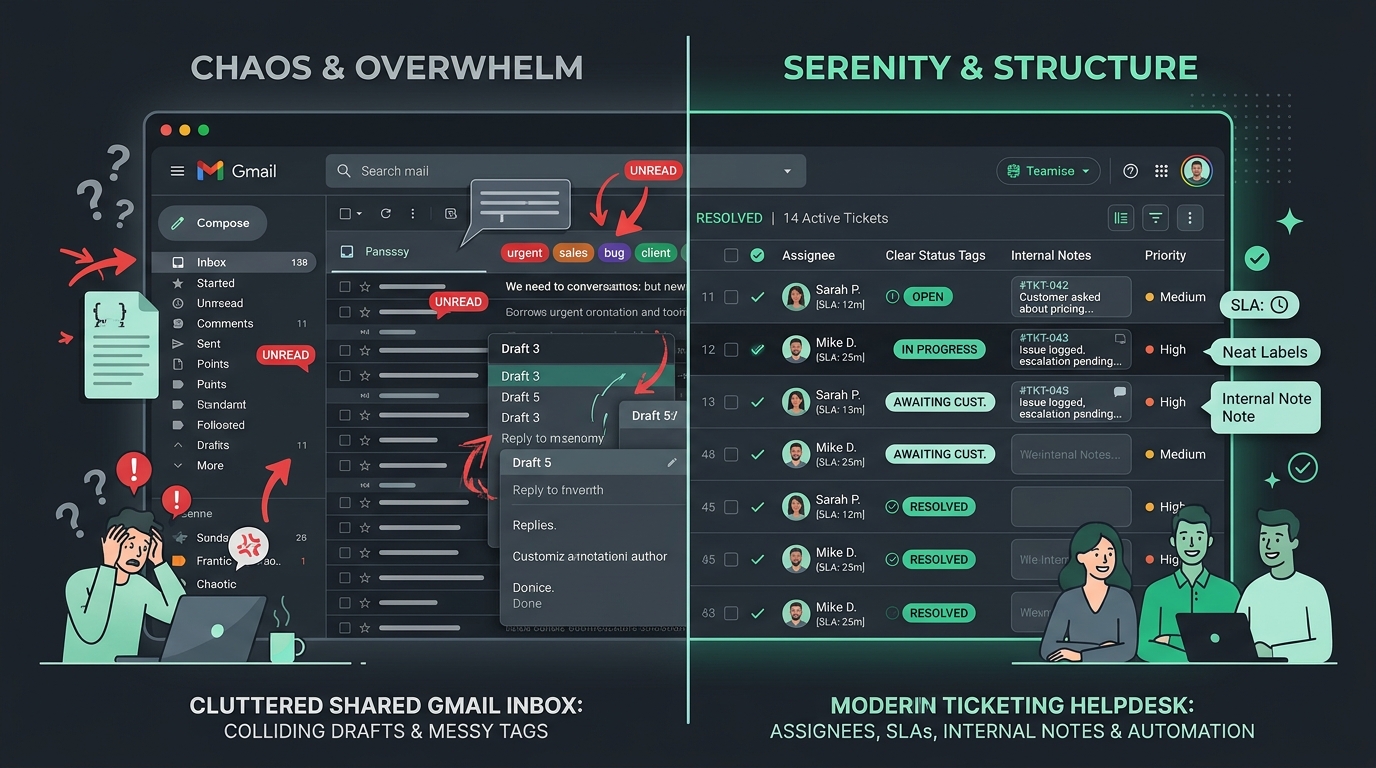
If your team has decided to migrate to an email-first platform like HDdesk, following a disciplined transition plan ensures zero missed customer emails and a seamless cutover.
Phase 1: The Pre-Migration Audit Checklist
Before changing any settings, conduct a complete inventory of your existing Freshdesk configuration:
- Mailboxes & Forwarding Rules: List every email address configured in Freshdesk (e.g.
support@acme.com,billing@acme.com), and document where each address is hosted (Google Workspace, Microsoft 365, or direct IMAP). - Canned Responses & Templates: Export or copy your active response templates, macros, and standard email signatures.
- SLA Policies & Business Hours: Record your current response time targets and working calendars.
- Automation Rules: Document your active triage rules (e.g., keyword auto-tagging, priority assignment).
Phase 2: Email Continuity vs. Ticket Data
A crucial distinction that eases migration anxiety is understanding where your actual email data lives:
The Mailbox Continuity Principle
Freshdesk is merely an interface layer. If you use Google Workspace or Microsoft 365, your complete historical incoming and outgoing email correspondence is already stored securely inside your email provider. Connecting a new helpdesk does not delete your email history.
For historical Freshdesk-specific ticket metadata (internal notes, legacy ticket numbers, satisfaction ratings), generate an official Freshdesk account export (CSV/XML) from Admin > Account Settings > Data Export. Store this archive in your company's secure shared drive for historical reference.
Phase 3: Executing the Zero-Downtime Cutover
To execute the migration without dropping a single customer email, follow this staged sequence:
- Set up your inboxes in HDdesk: Connect your mailboxes via Google Workspace OAuth, Microsoft 365, or direct IMAP/SMTP in HDdesk.
- Upload brand templates: Add your logos, verified sender signatures, and canned macros for each domain.
- Invite your teammates: Send invites to your entire team. With HDdesk's unlimited-agent model, everyone gets their own secure login.
- Update Email Forwarding: During a scheduled low-traffic window (such as a Tuesday evening), update your email forwarding rule in Google Workspace or Microsoft 365 to point to your new HDdesk forwarding address instead of Freshdesk.
- Send Test Tickets: Send verification emails from external accounts (such as a personal Gmail and Outlook address) to confirm inbound receipt and test outbound replies.
Phase 4: Post-Cutover Verification & Decommissioning
Once the cutover is active, follow these post-migration steps:
- Clear the Legacy Backlog: Keep Freshdesk in read-only mode for 72 hours while agents resolve any remaining open tickets that arrived prior to the cutover.
- Verify DNS Authentication: Ensure your SPF and DKIM records remain valid so all outbound replies pass spam filters.
- Cancel Legacy Subscription: Once the legacy queue is at zero and all forwarding is verified, cancel your Freshdesk renewal.
Ready to leave per-seat helpdesk fees behind?
HDdesk gives you an email-first helpdesk with unlimited teammates, multi-brand support, and honest inbox pricing. Try it free for 14 days.