
The Multi-Brand Operational Sprawl
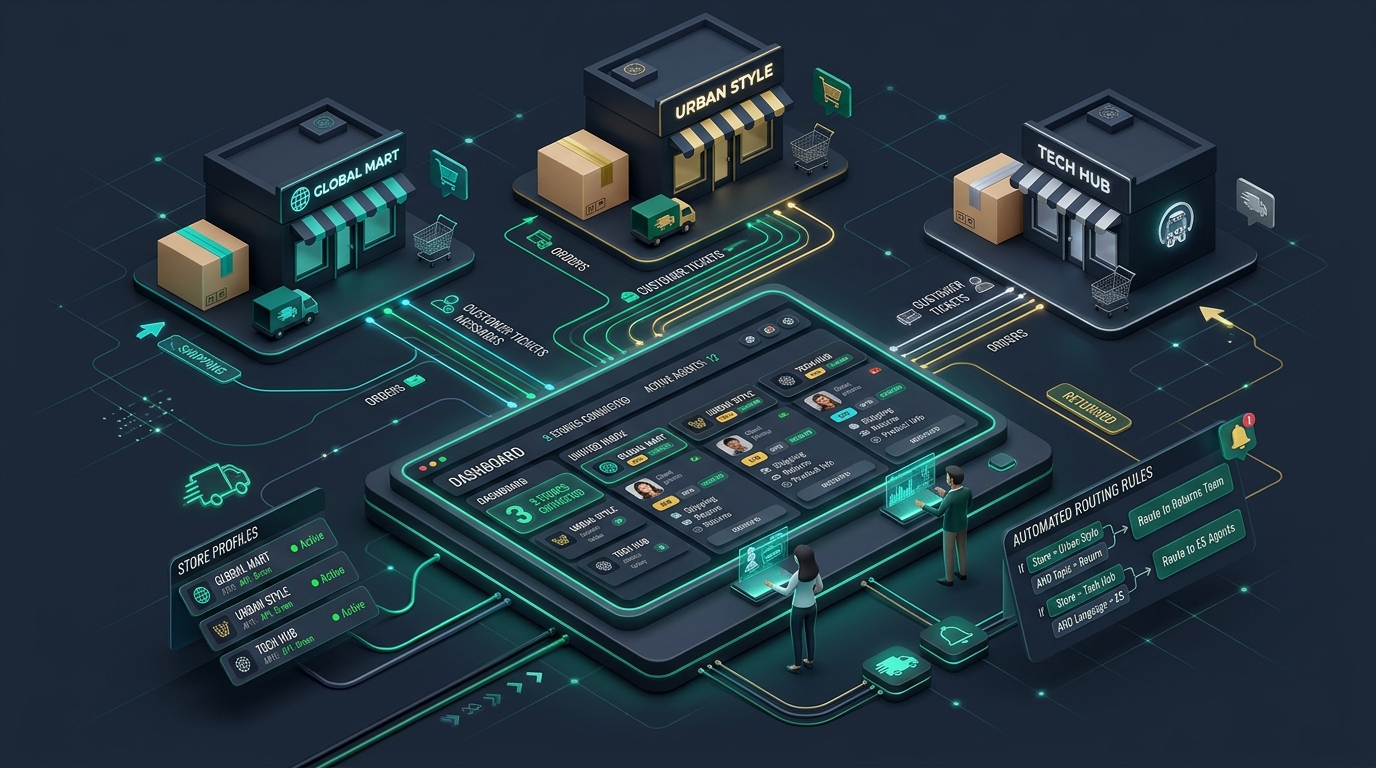
As modern software studios, e-commerce groups, and digital holding companies mature, they rarely stop at a single brand. You might launch a specialized enterprise tool alongside your self-serve consumer app, acquire a complementary SaaS product, or run three distinct online storefronts targeting different demographics.
Each brand possesses its own identity: its own logo, visual palette, tone of voice, customer audience, and support address (such as help@acmestore.com, support@northwind.io, and team@brightside.app).
To your customers, each brand is a standalone business that warrants attentive, dedicated customer service. But behind the scenes, you have one central team managing operations. If your support infrastructure cannot handle multiple brands natively, operational sprawl quickly overwhelms your team.
The Trap of Disconnected Helpdesks
When businesses expand into multiple brands, they usually default to one of two broken approaches:
Approach A: Multiple Disconnected Helpdesks
The company sets up a completely separate helpdesk account for each brand. Agents must maintain three separate browser windows, remember three sets of logins, and constantly tab between dashboards. Team leads cannot get a consolidated view of backlog volume, and workload balancing becomes impossible: agents on Brand A sit idle while agents on Brand B are overwhelmed.
Approach B: Merging Inboxes into a Generic Desk
The company forwards all brand emails into a single generic helpdesk that lacks multi-domain support. Inevitably, an agent replying to a customer of Brand A accidentally sends an email signed with Brand B's logo or the parent company's name. This destroys brand trust and confuses buyers.
The Unified Multi-Brand Architecture
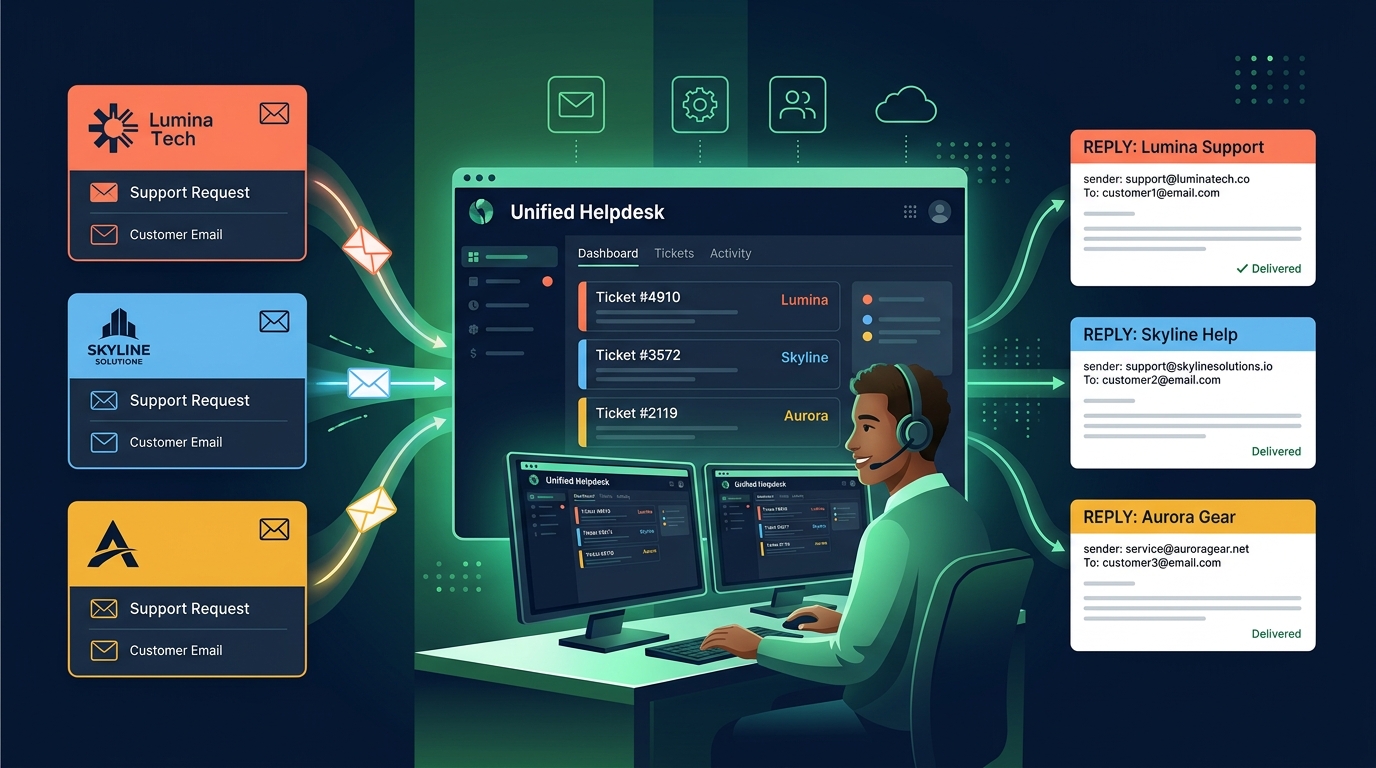
The scalable solution is a multi-brand email helpdesk that maintains strict brand isolation externally while providing a unified workspace internally.
| Capability | Customer Perspective | Internal Team Perspective |
|---|---|---|
| Inbound Routing | Writes directly to support@brand.com |
Ticket appears in unified queue tagged with brand name and color |
| Outbound Replies | Received from verified support@brand.com |
Helpdesk automatically selects the correct sender domain and signature |
| Templates & Macros | Tailored tone, links, and branding | Filtered macro picker showing brand-relevant answers |
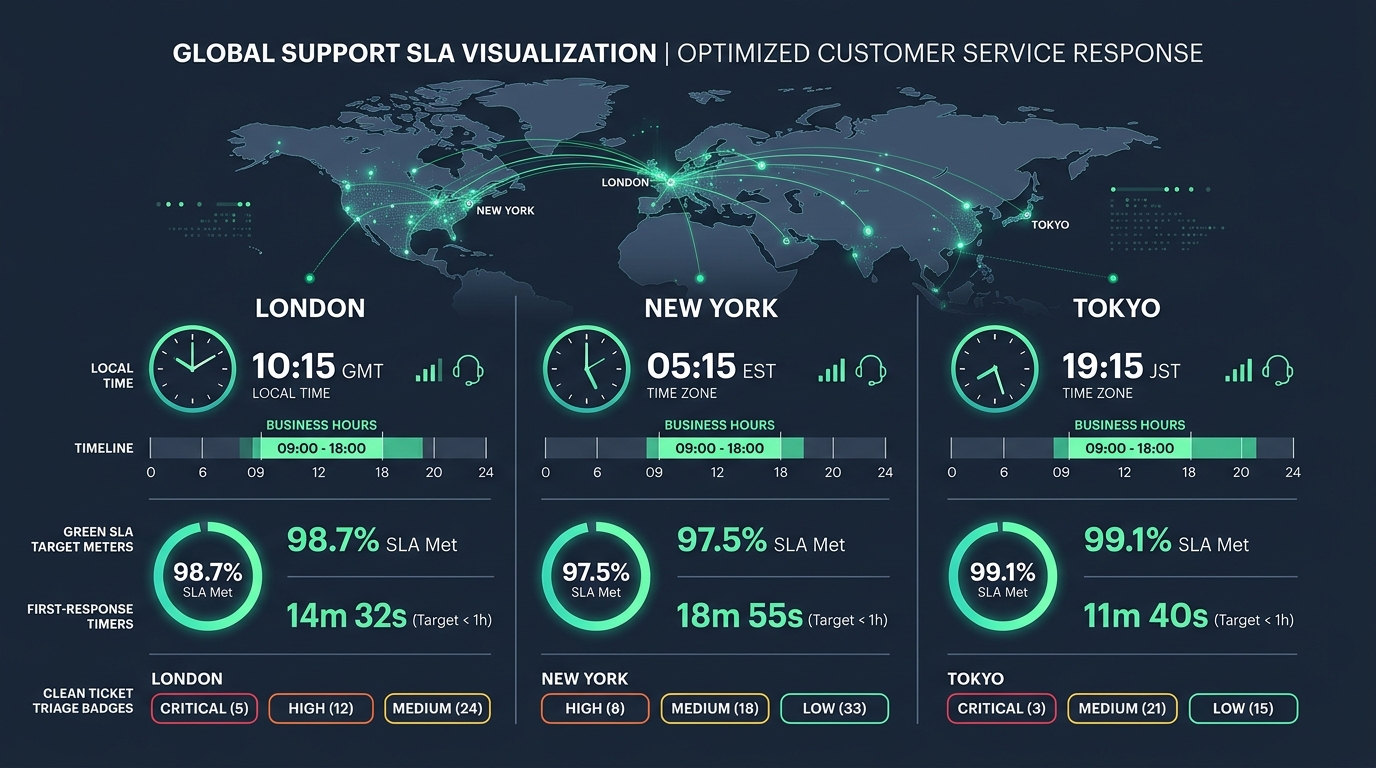
| SLA Policies | Guaranteed response times based on brand tier | Timers reflect brand-specific business hours and time zones |
In HDdesk, this architecture is native to every plan. You connect your brand inboxes (via Gmail, Microsoft 365, IMAP, or email forwarding), assign each inbox its own brand profile, and your team answers everything from one clean queue.
What Must Be Configured Per Brand
To ensure total customer isolation, verify that your helpdesk supports these brand-specific settings:
- Sender Address & Display Name: An email about Acme Store must display
Acme Store <support@acmestore.com>, never an obscure relay address. - Cryptographic DNS Verification: Each brand domain must pass SPF, DKIM, and DMARC verification through your email provider to guarantee inbox deliverability.
- Email Signatures & Logos: Distinct HTML templates that automatically pull in the right brand logo, social links, and legal disclaimers.
- Independent SLA Policies: A high-ticket B2B brand might require a 1-hour response SLA during Eastern Time business hours, while a low-touch utility might target 8 hours worldwide.
- Unique Ticket Numbering: Tickets should carry brand-specific prefixes (e.g.
ACME-1042vsNORTH-502) so customers feel they are interacting with an organized, dedicated support desk.
The 4-Step Staged Rollout Playbook
If you are transitioning multiple brands into a single helpdesk, follow this controlled rollout process:
- Start with Two Inboxes: Pick your lowest-volume brand and your primary brand. Connect both inboxes to the helpdesk.
- Validate Outbound Deliverability: Send test tickets to external Gmail, Outlook, and Apple Mail addresses. Inspect email headers to confirm that SPF and DKIM pass with 100% alignment for each domain.
- Configure Brand Snippets & Macros: Write the core 5–10 canned responses for each brand, ensuring the tone matches each brand's persona.
- Onboard the Full Team: Bring your agents, developers, and managers into the shared desk with their own named logins, training them to verify brand tags before drafting replies.
Setting Clear Channel Boundaries
When operating multiple brands, discipline around support channels is critical. Avoid offering live chat or phone support across five brands unless you have the full-time staff to answer them instantly. An abandoned chat widget damages brand reputation far more than an honest, responsive email helpdesk.
By focusing on email and doing it exceptionally well across all your domains, you can provide premium, reliable customer support for every brand you operate—without burning out your team.
Every brand you run, answered from one place
HDdesk brings all your brand support inboxes into one calm, organized workspace. Enjoy unlimited teammates and branded replies on every plan.