
The Agency Retainer Dilemma
For web development, software engineering, and digital marketing agencies, building and launching client projects is only the first phase of the engagement. The most predictable, high-margin revenue comes from monthly maintenance and support retainers.
An agency might maintain ongoing retainer agreements with ten to thirty clients. For each client, the agency is responsible for answering questions, fixing CMS bugs, applying security patches, and providing emergency technical assistance.
Managing support across multiple client retainers, however, is an operational minefield:
- Forwarded Email Chaos: Clients email an account manager's personal inbox. If that person is on vacation, sick, or busy, the client's urgent request sits unread for days.
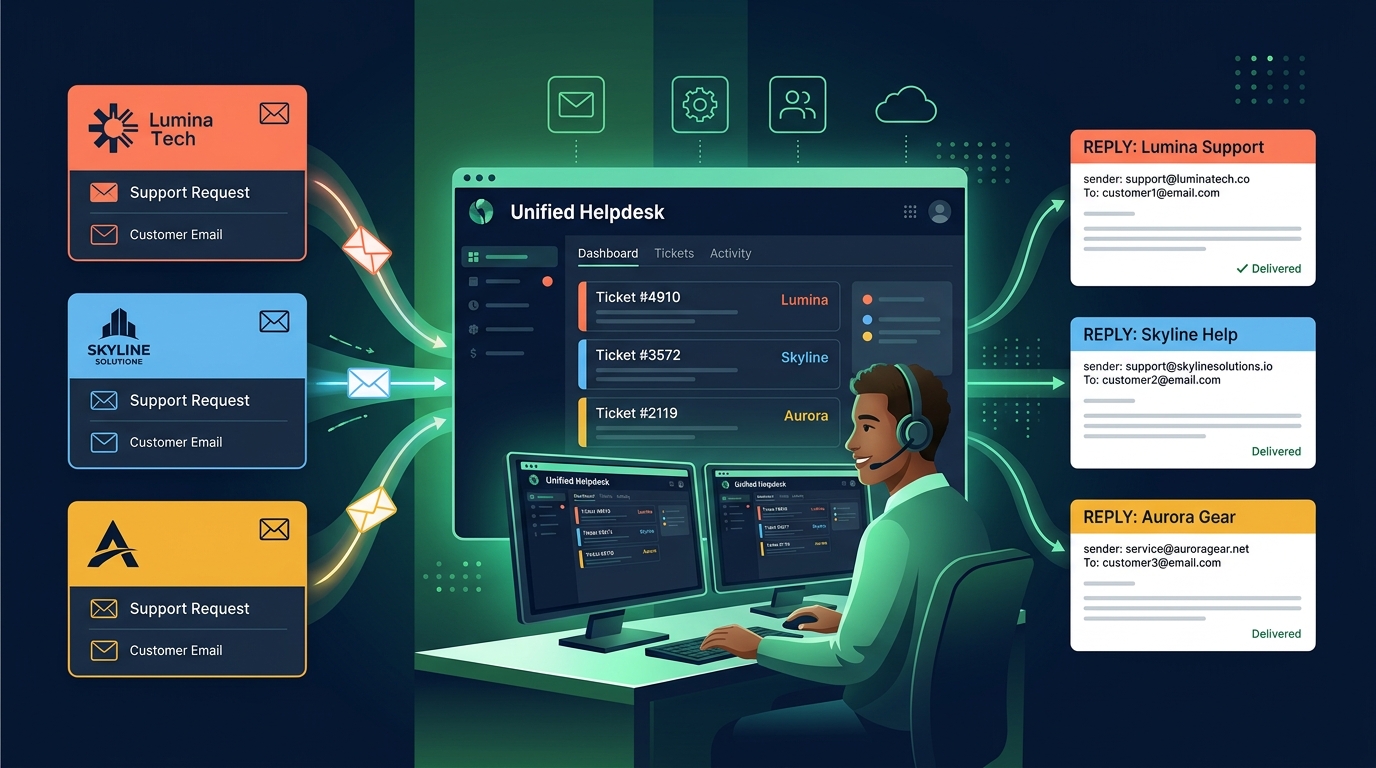
- The Client Domain Requirement: When the agency answers a client's customer, the reply must originate from the client's own domain (e.g.
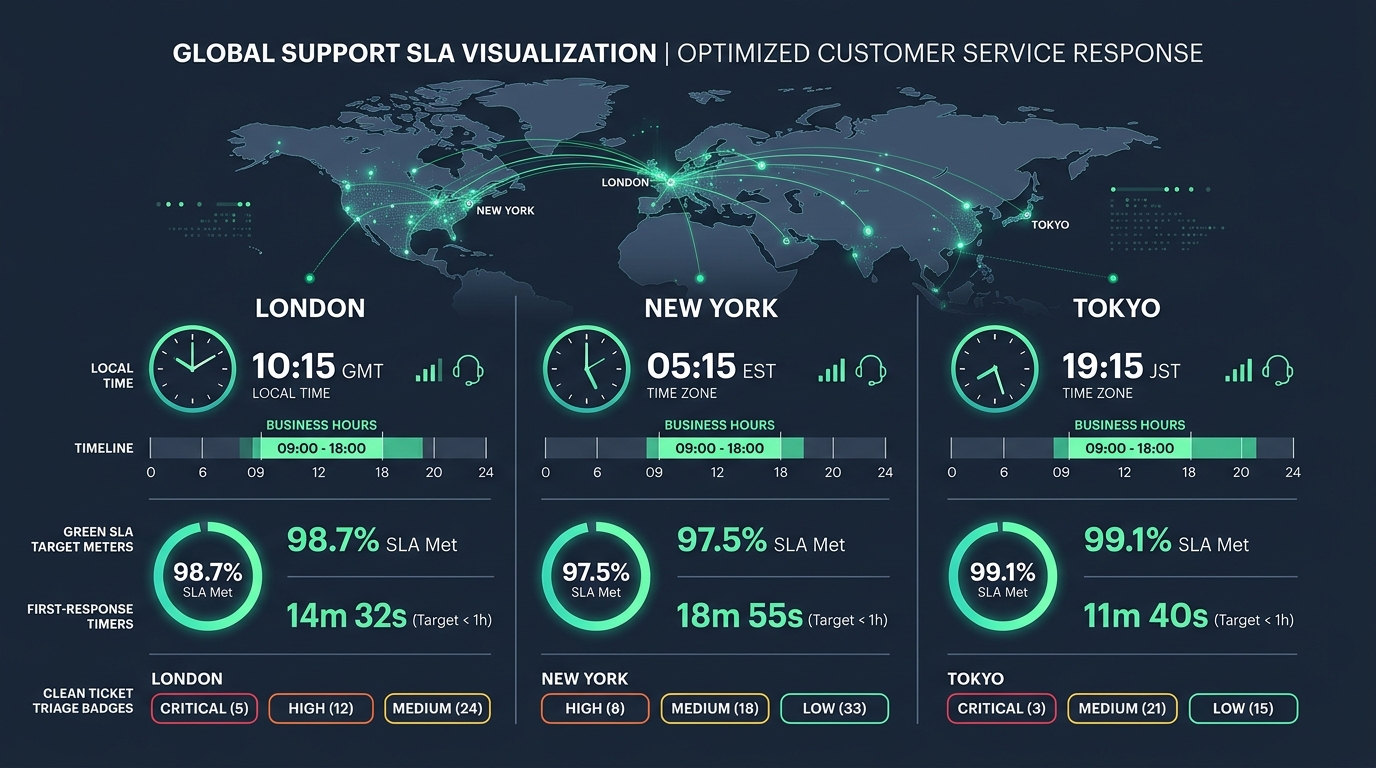
support@clientbrand.com), not fromagencyteam@gmail.com. - SLA Accountability: Retainer contracts guarantee specific response windows (e.g., 2-hour response for critical bugs). Tracking these windows across disparate mailboxes is virtually impossible.
What Agencies Truly Need in a Helpdesk
To run professional client support without drowning in administrative complexity, agencies need a helpdesk built around five core requirements:
1. Client Domain Isolation
Each client must have their own connected inbox with their own sender name, verified DKIM/SPF sending credentials, and customized signature. When your developers reply, the client experiences a seamless white-label service.
2. Cross-Functional Team Access
In an agency, the person answering a ticket changes depending on the issue. A billing question needs an account manager; a CSS bug needs a frontend designer; an API outage needs a backend engineer. Restricting helpdesk access because of expensive seat licenses creates bottlenecks.
3. Real-Time Collision Prevention
When an urgent client issue arrives, two developers might jump on it at the same time. The helpdesk must show a real-time indicator when someone else is viewing or drafting a reply to prevent embarrassing duplicate answers.
4. Internal Private Notes
Team members must be able to discuss client tickets internally, leave debugging notes, and link to staging environments directly on the ticket thread—completely invisible to the client.
5. Per-Client SLA Policies
Different clients pay for different retainer tiers. Your Gold retainer client gets a 1-hour SLA policy during business hours, while your Basic retainer client gets a next-business-day target. The helpdesk must enforce these policies independently based on the receiving inbox.
The Margin Drain of Per-Seat Licensing
Legacy helpdesks severely eat into agency retainer margins. If an agency has twelve team members (4 account managers, 5 developers, 2 designers, and 1 director), paying $40 per seat per month costs $480 every month ($5,760 per year)—just for software licenses!
With HDdesk's inbox-based pricing, an agency pays based on the number of client inboxes connected. For example, the Medium plan covers up to 10 client inboxes for $25/month ($250/year billed annually) with unlimited agent seats. The agency can invite all twelve team members at zero extra cost, protecting healthy retainer margins.
The Multi-Client Agency Setup Playbook
Here is how top digital agencies structure their multi-client helpdesk in HDdesk:
- Create Client Inboxes: Set up a dedicated support email for each client (e.g.
support@clienta.com) hosted on their Google Workspace or Microsoft 365, and forward into HDdesk. - Configure Brand Profiles: Assign the client's logo, sender display name, and standard signature template to their respective inbox.
- Set Retainer SLA Targets: Assign SLA policies that match each client's signed contract. Set business hours according to the client's local time zone.
- Define Routing & Tags: Automatically tag incoming tickets with the client's code (e.g.
client:acme) so developers can filter by client when doing dedicated maintenance sprints.
Client Retainer Onboarding Checklist
Whenever you sign a new retainer client, follow this setup checklist:
- Collect support address credentials or configure forwarding rules from the client's email server.
- Add DNS records (SPF, DKIM) to the client's DNS host to verify sending authority.
- Input the client's primary account manager as the default ticket assignee.
- Test inbound delivery and outbound reply verification.
- Provide the client with their designated support address and outline the SLA response commitments.
The multi-client helpdesk built for agencies
Manage all your client support retainers from one shared desk. Enjoy separate client branding, per-client SLAs, and unlimited seats for your entire agency.