
The Weekend Demo Fallacy: From Prototype to Production
Every engineering team has experienced it: an enthusiastic engineer spends a Saturday afternoon wiring LangChain, a Pinecone vector database, and the OpenAI API to your company's documentation. By Sunday evening, they demo a bot in Slack that answers questions about your software with surprising accuracy.
"Look how simple that was!" the team declares. "Why pay for support software when we can build our own AI support engine in a sprint?"
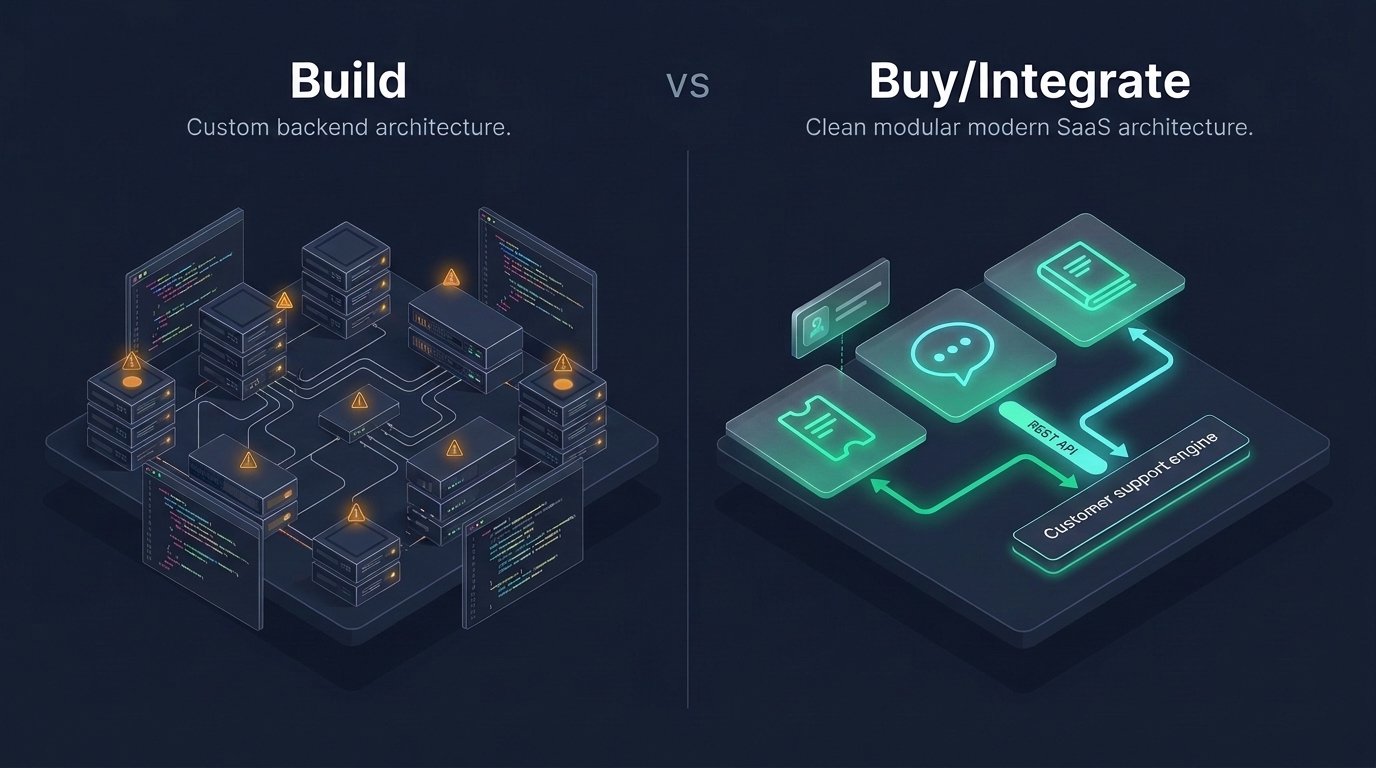
This is the weekend demo fallacy. Building an AI prototype that works on five cherry-picked questions is easy. Operating an enterprise AI support pipeline that handles thousands of messy customer inquiries, maintains strict multi-tenant boundaries, prevents hallucinations, and survives API updates is an immense, expensive engineering discipline.
The Infrastructure Stack of Custom Support AI
To take in-house AI support from a hackathon demo to production reliability, your team must build, host, and maintain eight distinct architectural subsystems:
| Subsystem | Production Engineering Requirement |
|---|---|
| Document Chunking & Ingestion | Parsing markdown, HTML, and PDFs; handling table structures and code blocks; re-indexing on every documentation commit |
| Vector Database & Embeddings | Hosting, scaling, and backing up vector indices (Pinecone, Qdrant, pgvector); re-calculating embeddings when embedding models upgrade |
| Hybrid Search & Retrieval (RAG) | Combining dense vector similarity with sparse keyword search (BM25) to prevent semantic hallucinations |
| Prompt Management & Versioning | Maintaining complex system prompts, few-shot examples, and guarding against prompt injection attacks |
| Continuous Evaluation (Evals) | Building automated regression test suites to verify that prompt or model updates don't degrade answer quality |
| PII Masking & Privacy Filtering | Detecting and redacting credit cards, passwords, and personal information before dispatching payloads to external LLMs |
| Rate Limiting & Fallbacks | Handling upstream LLM rate limits, latency spikes, and provider outages without blocking customer support |
| Agent Feedback Loops | Creating thumbs-up/thumbs-down UI for support reps to log inaccuracies and feed continuous fine-tuning |
The Recurring Financial Drain: Tokens, Vectors, and Compute
Unlike traditional software that incurs fixed server costs, custom LLM pipelines introduce variable, usage-based financial drains:
1. High Context-Window Token Consumption
To summarize a long support thread or answer questions using documentation, you must inject thousands of tokens of context into every prompt. At scale, tens of thousands of support queries generate substantial monthly token invoices that grow directly with your customer base.
2. Vector Database Subscriptions
Managed vector databases charge based on the number of stored vectors, dimensional indices, and read queries. Maintaining real-time index synchronization for thousands of support articles and historical ticket resolutions adds significant recurring infrastructure costs.
3. Upstream Model Deprecation Cycles
Commercial foundation model providers frequently deprecate older model versions. When your underlying model changes, prompt behaviors change, necessitating urgent engineering sprints to re-tune prompts and re-validate accuracy.
The Maintenance Burden: Prompt Drift, Chunking, and Evals
The true killer of in-house AI support is not the cloud bill—it is the persistent maintenance burden placed on your senior developers.
Every time a customer receives a bizarre or unhelpful AI response, someone on your engineering team must investigate: Did the chunking algorithm split the sentence awkwardly? Did the vector search retrieve the wrong document? Did the system prompt fail to enforce tone?
Your senior engineers end up spending hours debugging prompt edge cases and semantic similarity metrics instead of optimizing core database queries, improving application performance, or shipping differentiating product features.
The Strategic Rule
Apply your proprietary AI engineering talent to the problems your customers actually pay you to solve. AI inside your product creates enterprise value; custom AI for internal ticket summarization is merely operational overhead.
Total Cost of Ownership: In-House AI vs. Built-in Helpdesk AI
Compare the two paths across the complete software lifecycle:
| Lifecycle Area | Custom In-House AI Support | HDdesk Built-In Support AI |
|---|---|---|
| Initial Build Time | 3 to 8 weeks of senior engineering capacity | Zero setup: built directly into the agent console |
| Token / Usage Fees | Variable monthly bills from external LLM providers | Included in flat plan: No per-token markups or surprises |
| Data Privacy & Retention | Complex sub-processor compliance and DPA management | Self-hosted on HDdesk servers; zero external data sharing |
| Ongoing Maintenance | Continuous prompt tuning, eval testing, and index re-building | Fully managed platform updates |
Where Should Your SaaS Actually Invest in AI?
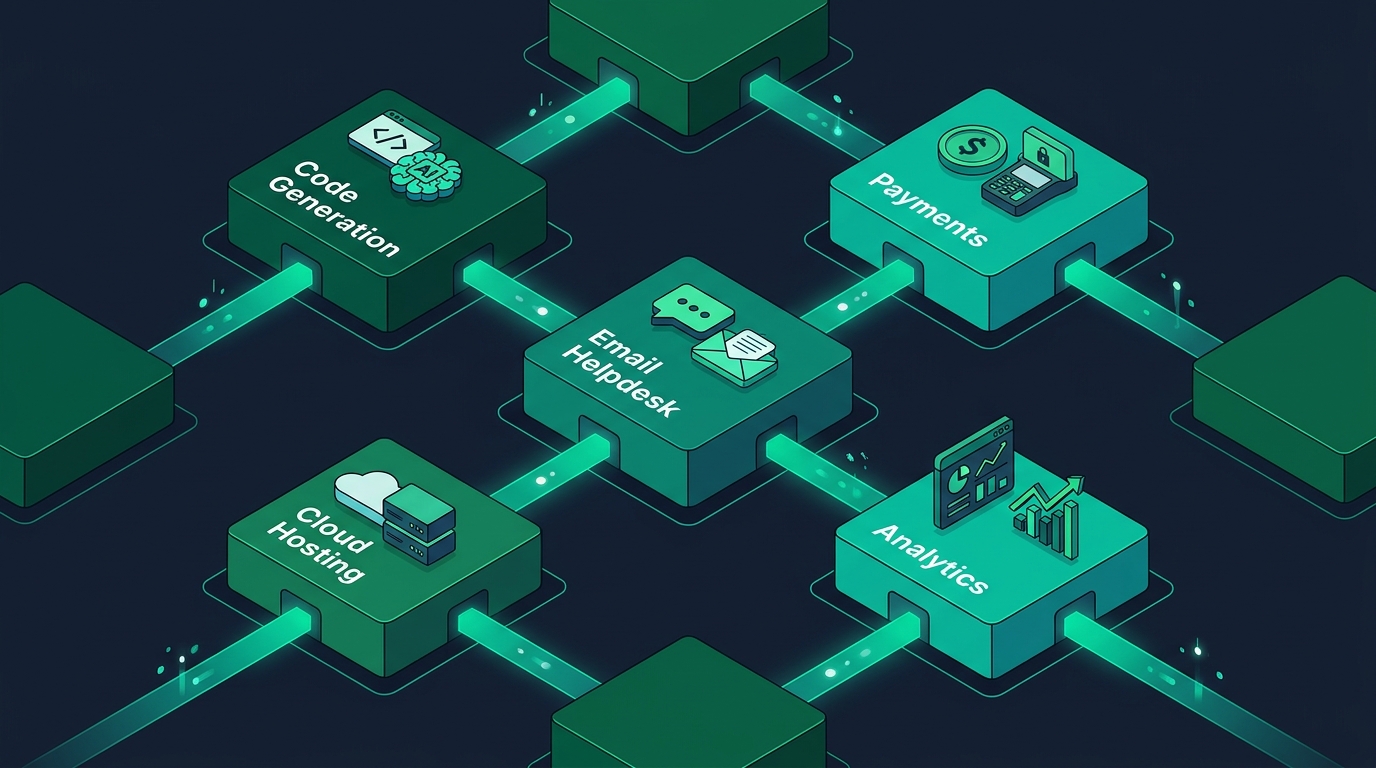
If your company has developer talent capable of building sophisticated AI pipelines, direct that talent toward your core product. Build AI features that help your customers analyze their data, automate their workflows, and generate their reports.
For your customer support operations, integrate an established helpdesk like HDdesk that provides private, self-hosted AI assistance out of the box. You get fast ticket summaries, message translation, and reply drafting without spending a single dollar on vector databases or engineering maintenance. View our transparent pricing plans to get started.